DexFold press kit

Everything you need to write about or make a video on DexFold. Images and video may be used in coverage of the app.

Download the full kit (ZIP, 16 MB)

Fact sheet

Name
DexFold
Developer
IntraPixel (Hernan Rosario)
Platform
iPhone, iOS 18 or later. Designed for foldable iPhones (iPhone Duo), and works great on every iPhone.
Release
Available now on the App Store
Price
Free to download. DexFold Plus is an optional one-time purchase ($2.99 U.S. price). No ads, no subscription.
Languages
English and Spanish, voice included
Website
intrapixel.com/dexfold
Press contact
hello@intrapixel.com

In one line

DexFold is a talking Dex for foldable iPhones and every iPhone: unfold it to hear any of 1,025 entries, and fold it halfway for stats, moves and evolutions.

Description

DexFold turns an iPhone into the talking Dex from the show. Look up any of 1,025 creatures and a robot voice reads the entry aloud while the blue lens flashes with every syllable.

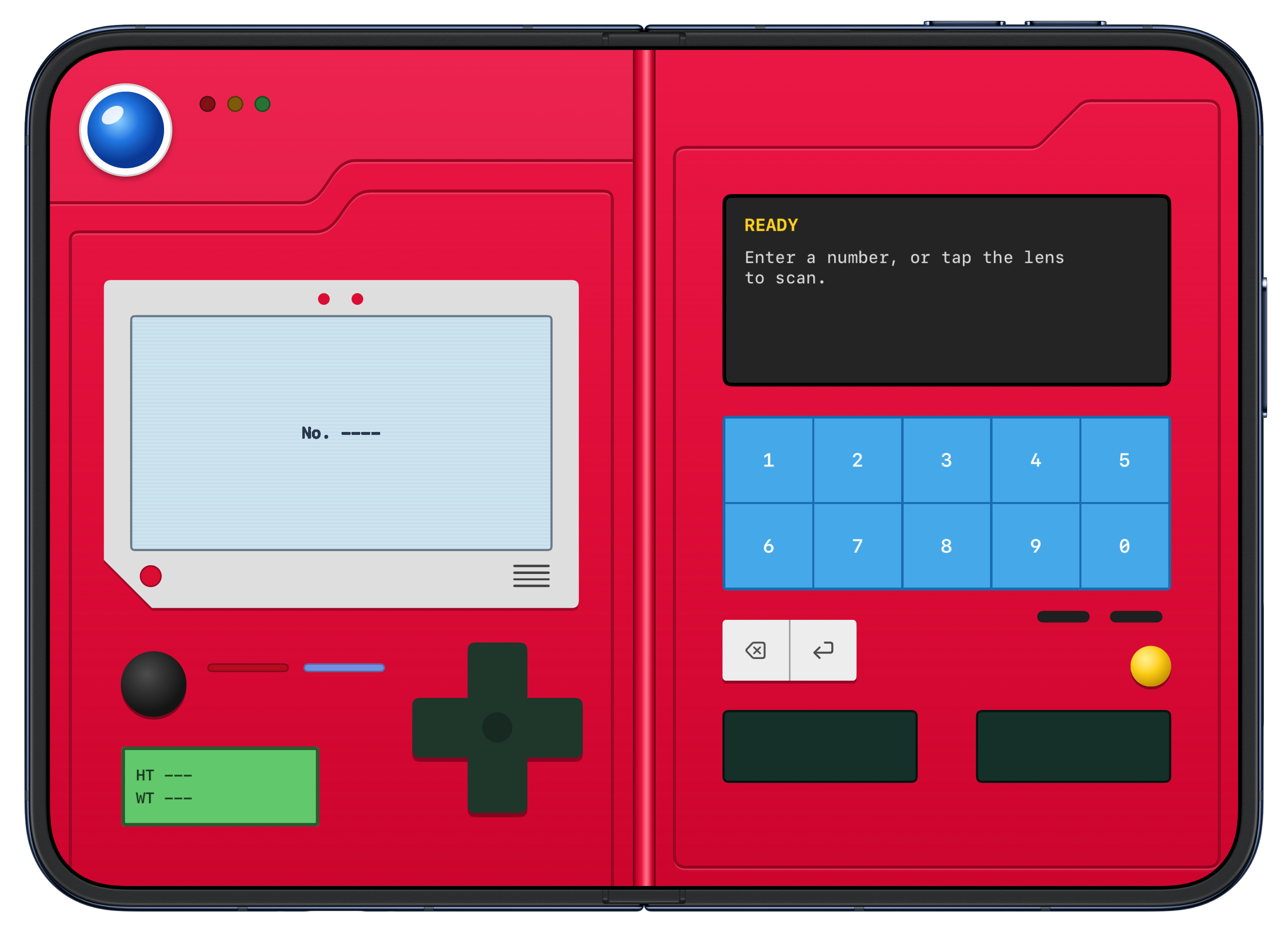
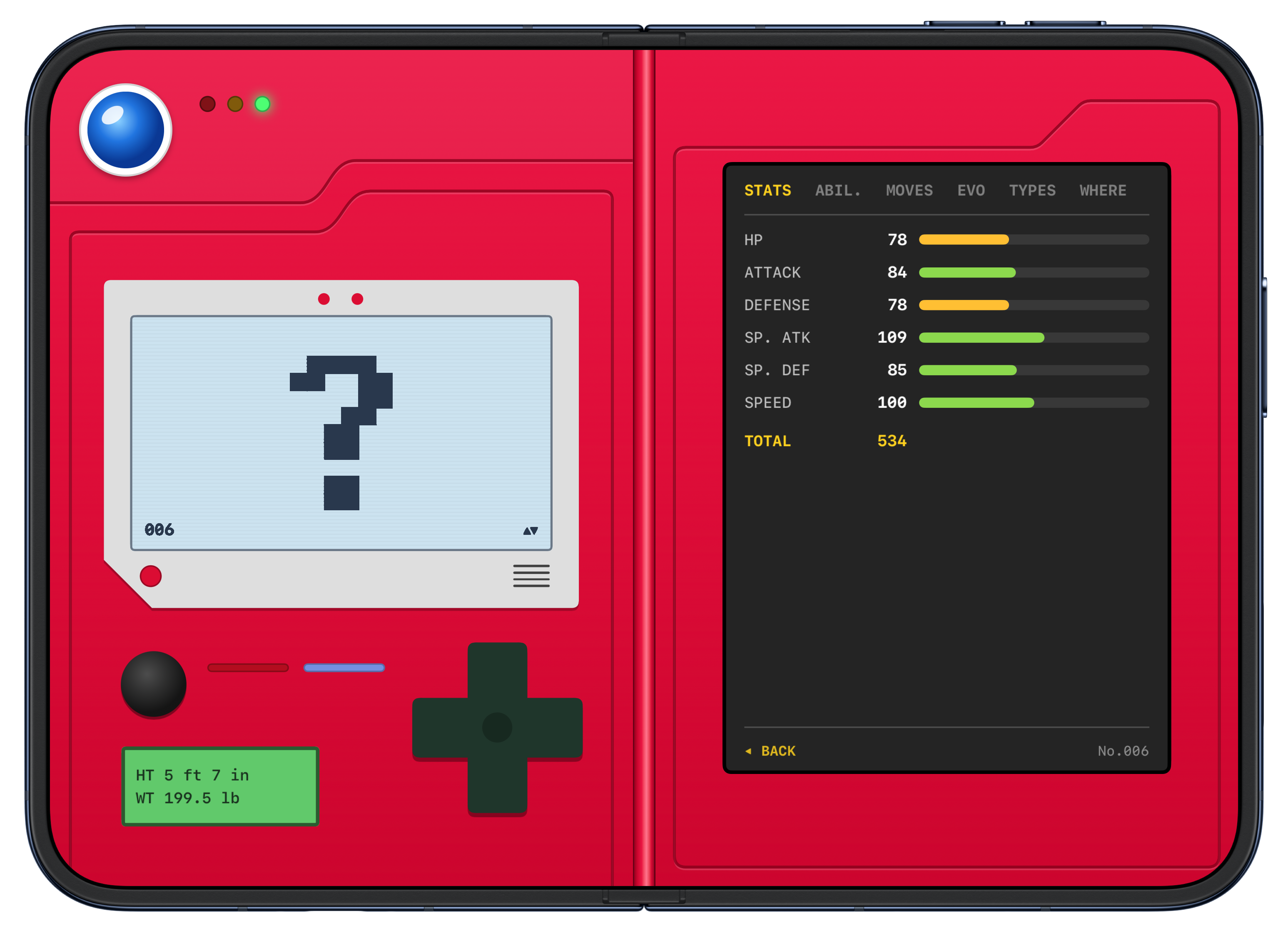
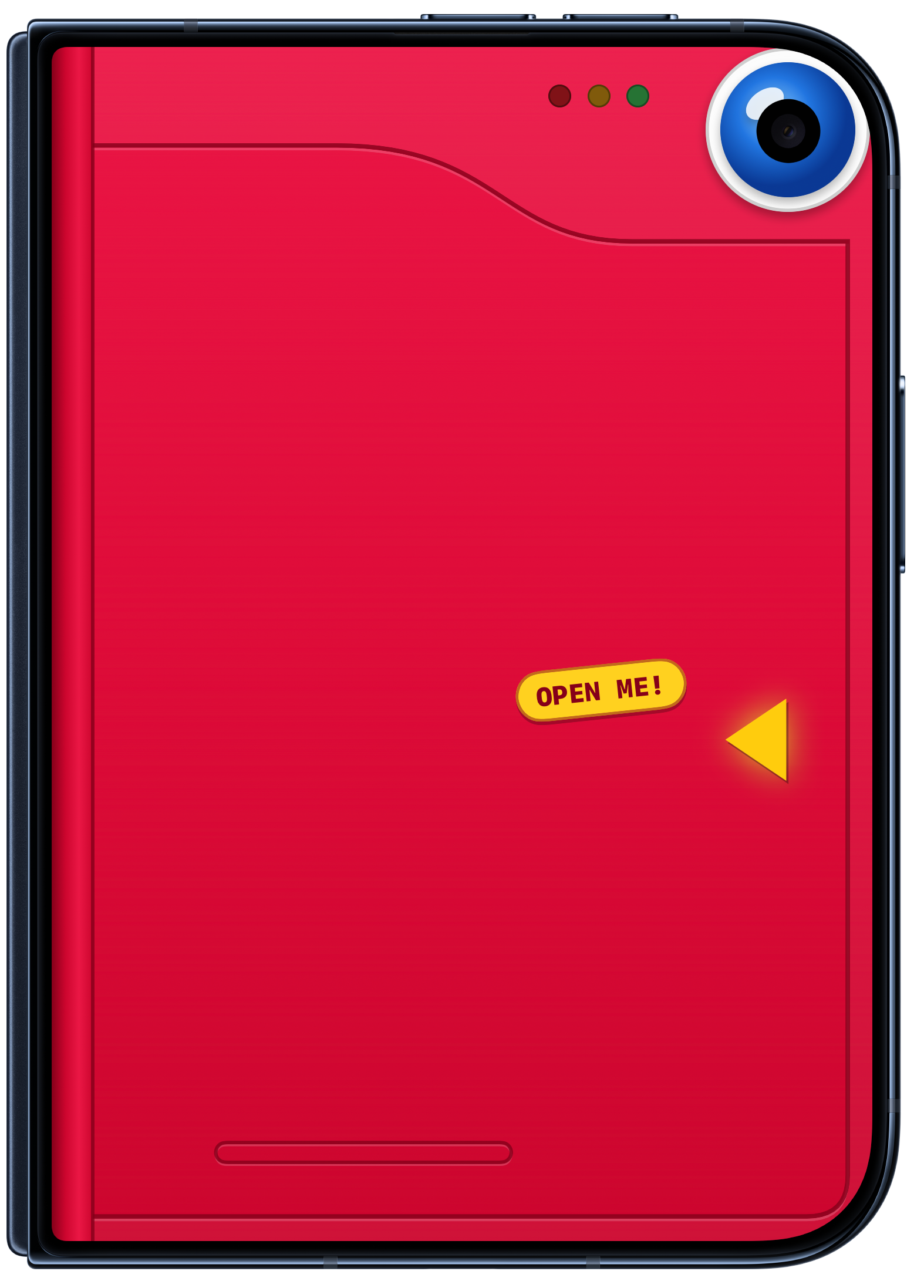
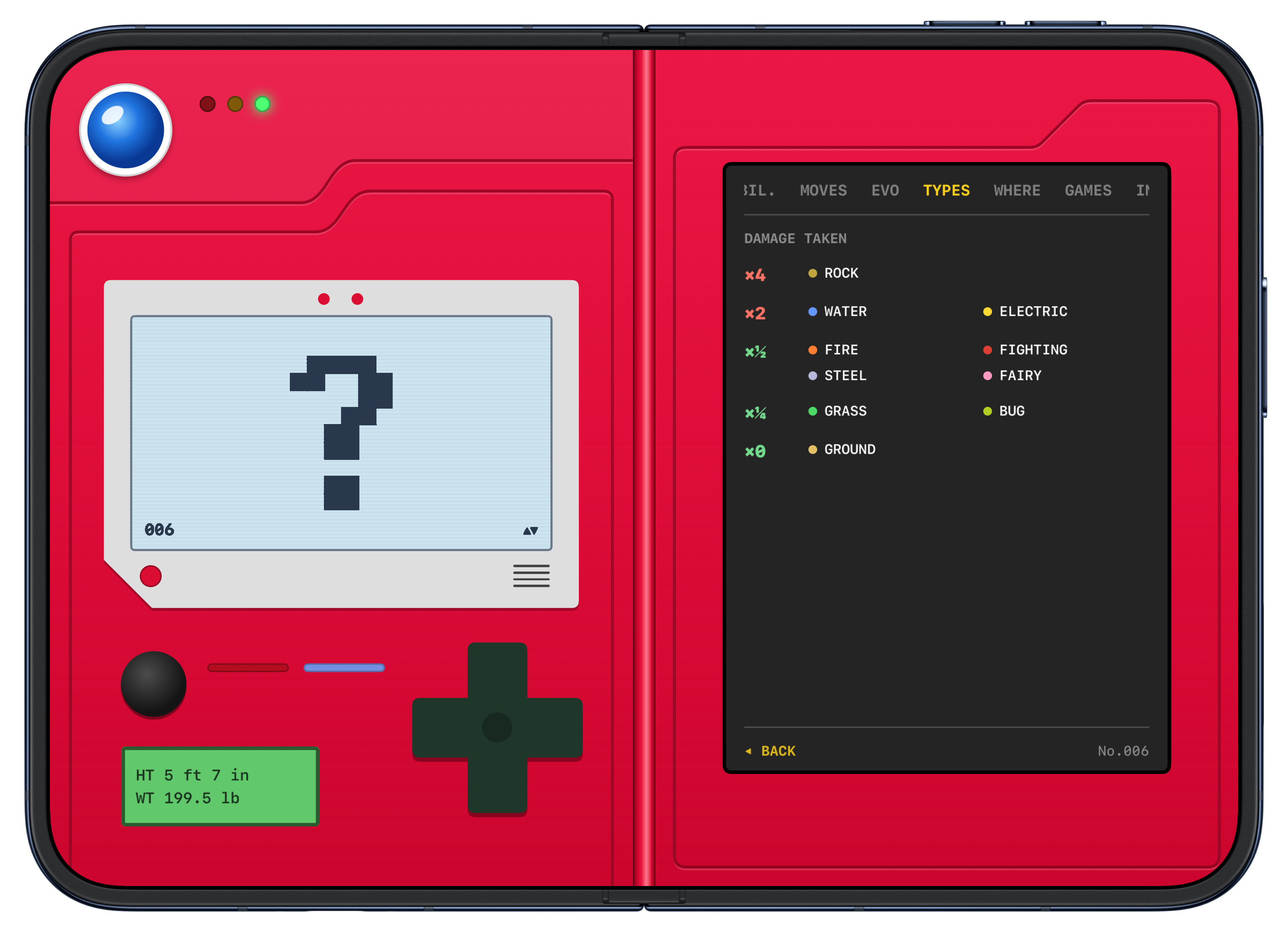
On iPhone Duo, the fold is part of using it. Closed, the outer screen becomes the red lid, with the big blue lens drawn right around the real camera. Unfold it and the Dex powers on across both halves: the sprite screen on one side, the keypad and description on the other, split exactly at the fold. Fold it halfway and a data screen sweeps open with stats, abilities, moves, evolutions, type matchups and where to find each one.

SCAN: point it at a creature

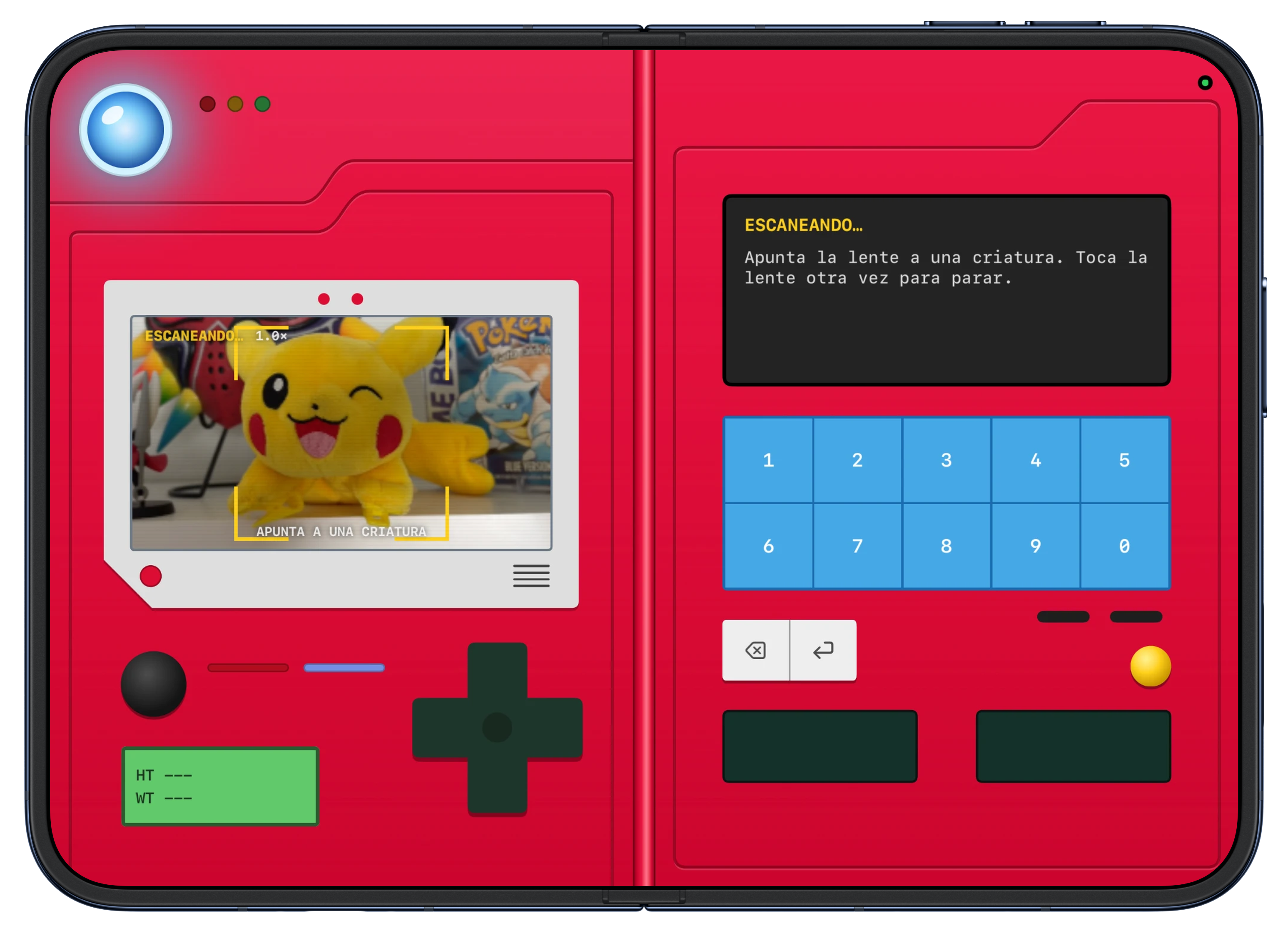
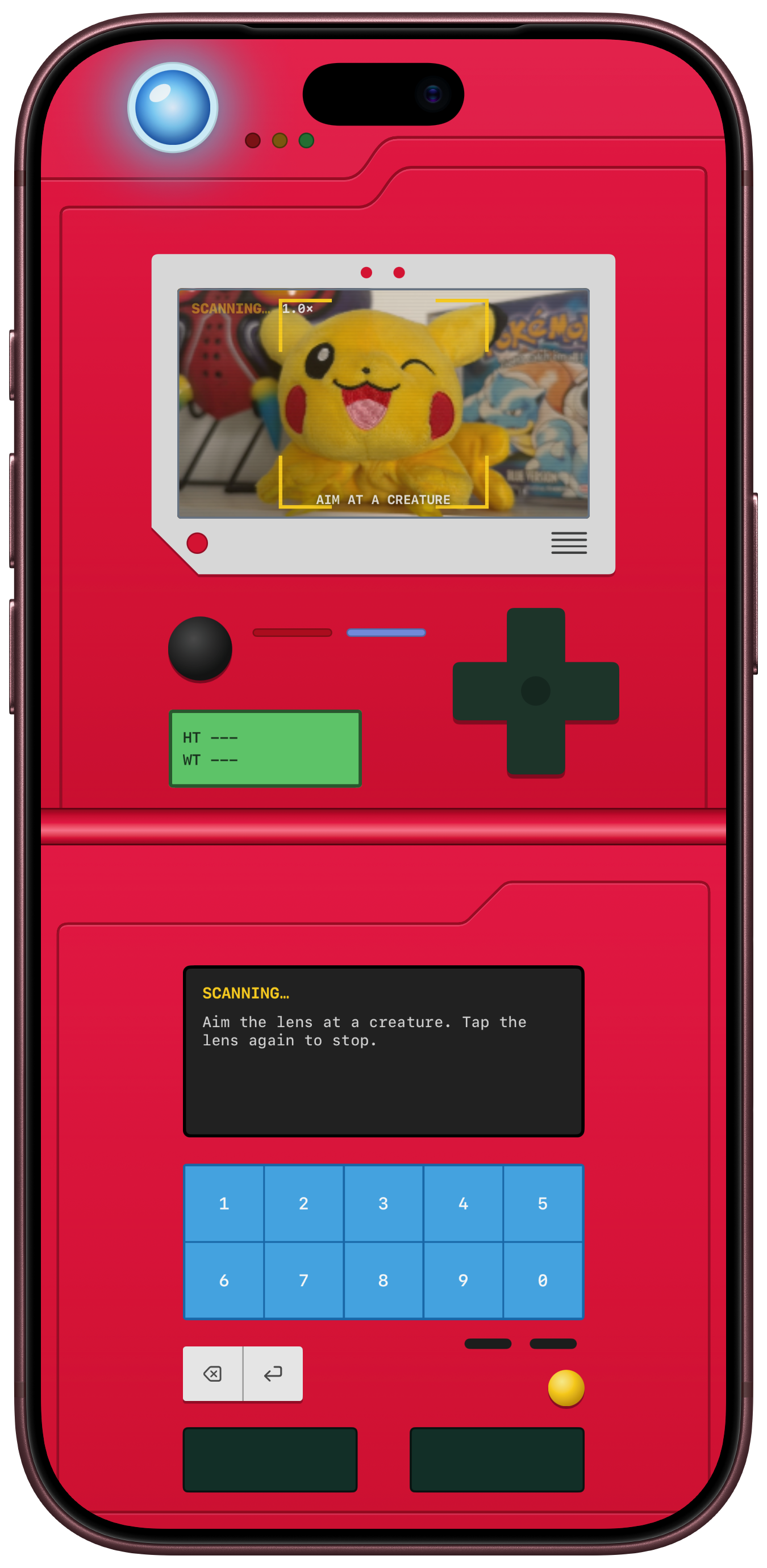
SCAN brings the Dex into the real world. Tap the blue lens and aim at a figure, a card or a picture. There's no shutter button: DexFold recognizes the creature on its own, then opens its entry and reads it aloud. Recognition runs on the iPhone, so camera images are never saved or sent. It works on iPhone Duo and on every iPhone.

SCAN on iPhone Duo: the camera fills the sprite screen with aiming brackets around a plush, and the description reads ScanningiPhone Duo, scanning (Spanish) · PNG SCAN on a regular iPhone: the camera view on the sprite screen above the keypadiPhone, scanning · PNG

Works great on every iPhone

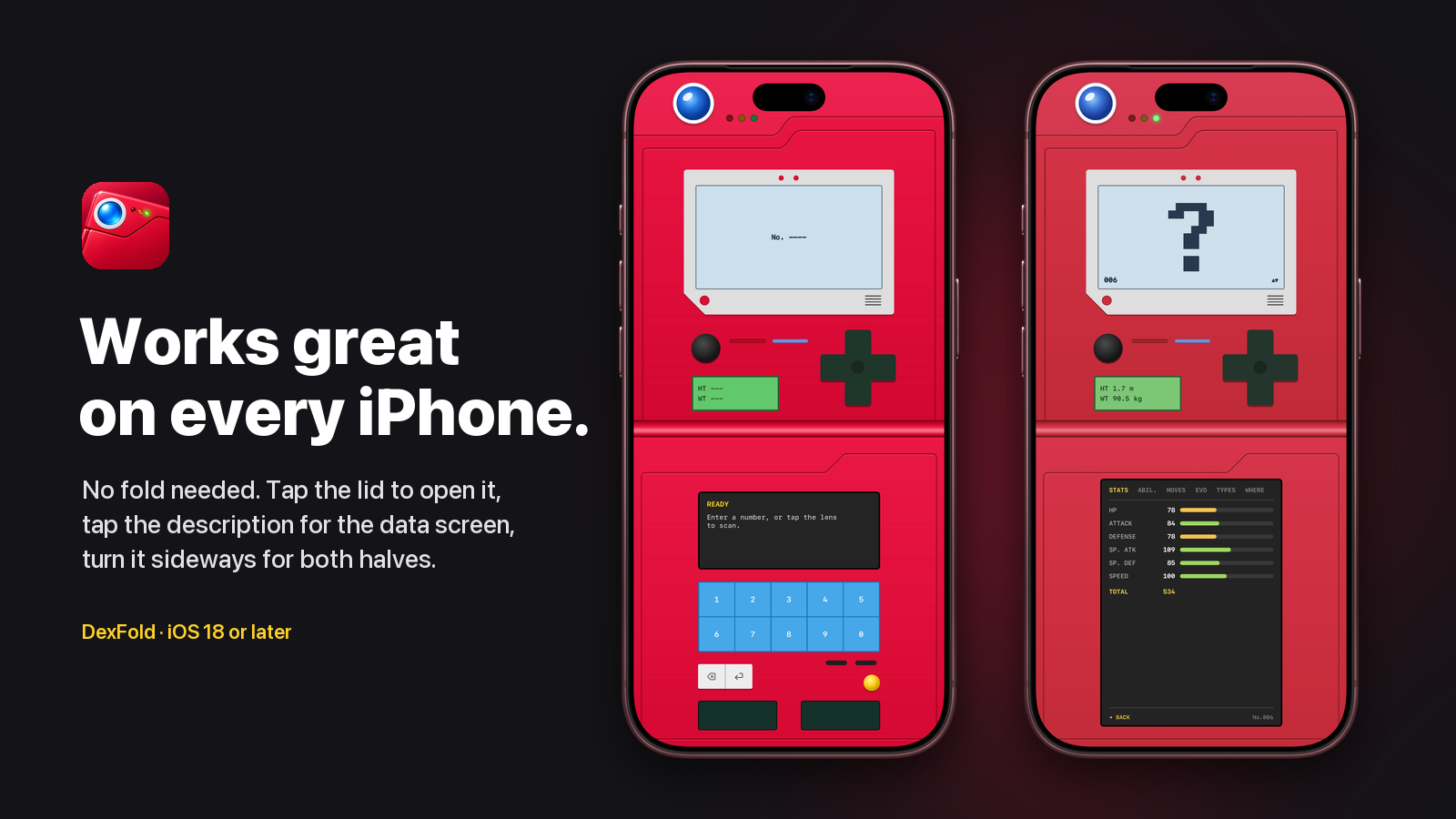
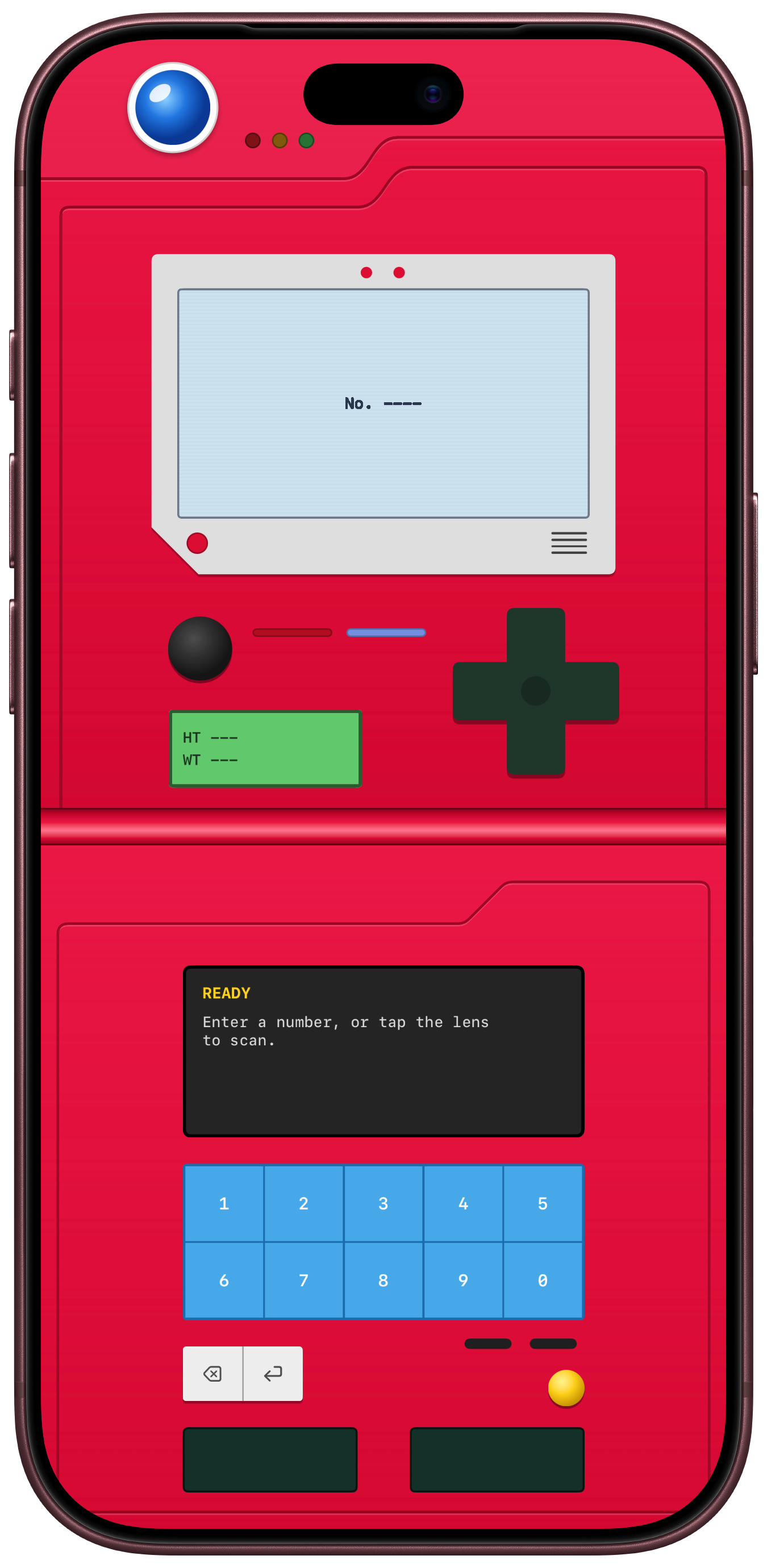
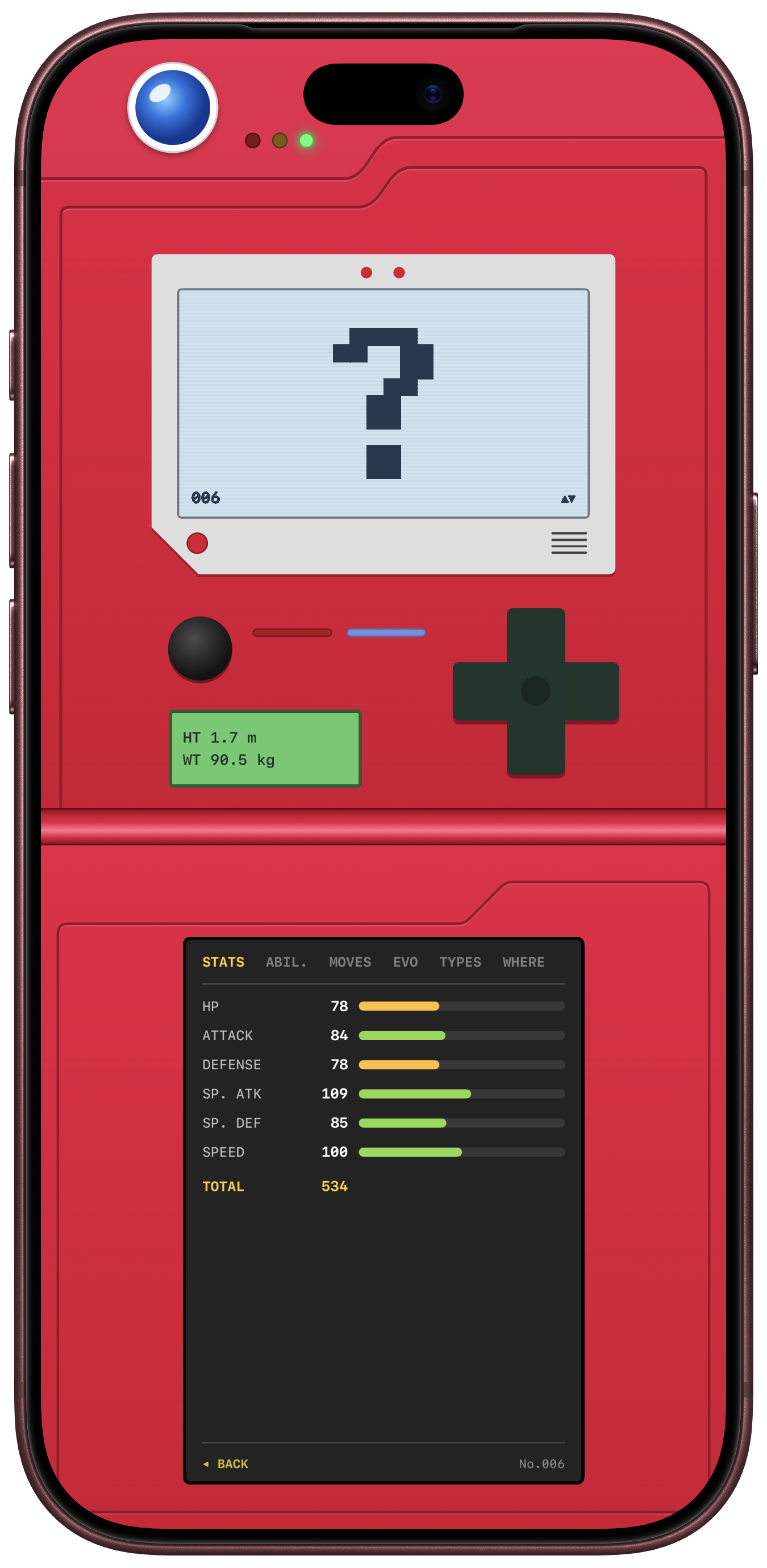
You don't need a foldable to use DexFold. On any iPhone with iOS 18 or later, tap the lid and it swings open, with both halves stacked on one screen. Tap the description for the data screen, or turn the phone sideways to see the two halves side by side. Every entry, the voice and the quiz work the same.

DexFold open on two regular iPhones: the keypad on one, the stats data screen on the other

Download the “every iPhone” image (PNG · 1600×900)

Key features

Images and video

DexFold video end card
Unfold, fold halfway (video)MP4 · 1920×1080 · 14 s · 2.1 MB
DexFold vertical video end card
Vertical video (Shorts, Reels, TikTok)MP4 · 1080×1920 · 14 s · 2.5 MB
DexFold open across both halves of iPhone Duo, keypad ready
iPhone Duo, openPNG · transparent · 3093×2247
The data screen with base stats on iPhone Duo
iPhone Duo, data screenPNG · transparent · 3093×2247
SCAN on iPhone Duo
iPhone Duo, scanningPNG · transparent · 3093×2247 · Spanish
The red DexFold lid on the iPhone Duo outer screen, lens around the camera
iPhone Duo, closed lidPNG · transparent · 1574×2194
Type matchups on the data screen
iPhone Duo, type matchupsPNG · transparent · 3093×2247
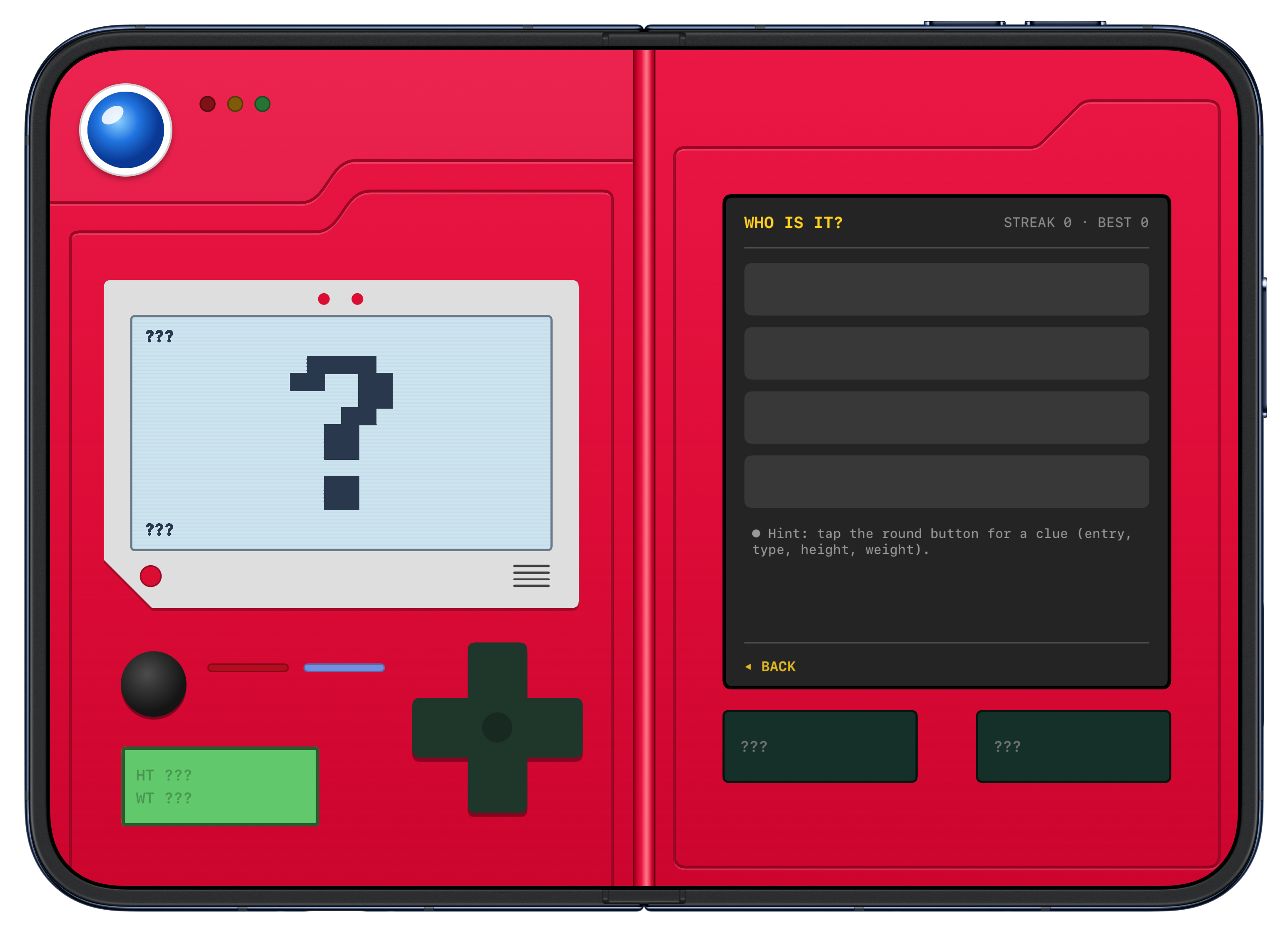
The Who is it? quiz
iPhone Duo, quizPNG · transparent · 3093×2247
DexFold open on a regular iPhone, both halves on one screen
iPhone, openPNG · transparent · 1350×2760
The data screen on a regular iPhone
iPhone, data screenPNG · transparent · 1350×2760
SCAN on a regular iPhone
iPhone, scanningPNG · transparent · 1350×2760
DexFold app icon
App iconPNG · 1024×1024
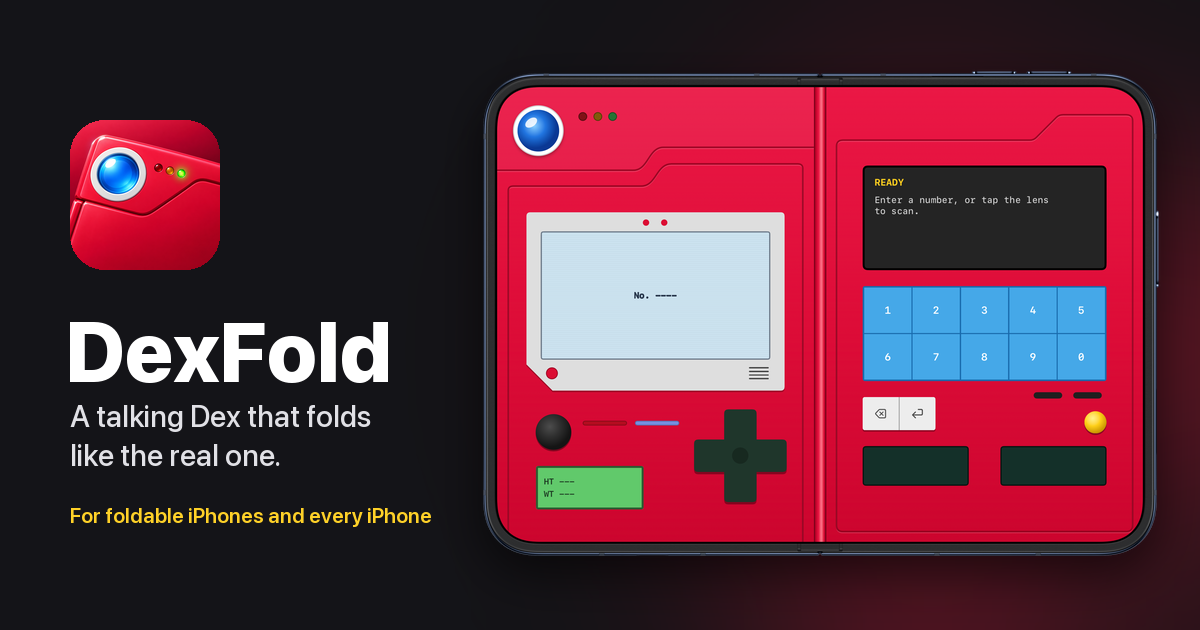
DexFold banner
BannerPNG · 1200×630
FACT SHEET
.TXT
Fact sheet and descriptionPlain text, ready to copy

Images are captures of the real app on iPhone Duo and iPhone; the SCAN images are real camera captures. Need a different screen or a Spanish version? Write to hello@intrapixel.com.

About IntraPixel

IntraPixel is a one-person app studio by Hernan Rosario, building focused, carefully made apps for mobile, desktop and web.